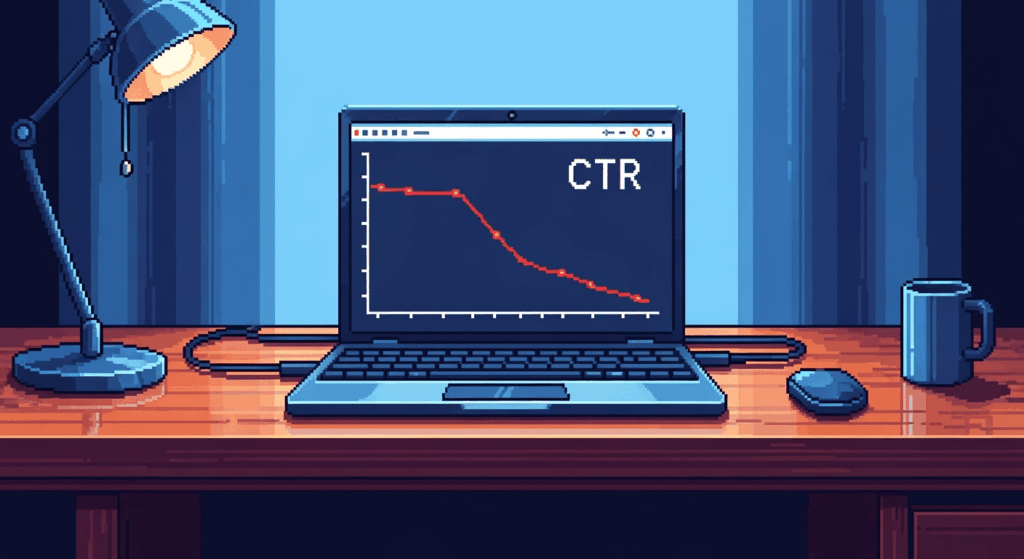

Let’s be honest: many of our Google Ads accounts have been looking pretty strange these past few weeks. Impressions are skyrocketing, CTRs are plummeting, and numbers are simply out of sync. What’s going on?
Google has changed its rules. They now allow advertisers to appear in multiple places simultaneously on the same search page. Both impressions are counted as separate impressions. This is new, and it affects how you view and analyze your results. We’ll explain the exact impact in detail in this blog post.

Example of a duplicate ad delivery: the top ad on the left, the bottom ad on the right. Previously, this was reported as one impression, now as two. In addition, duplicate ad impressions are now much more common than before.
Strange patterns in Google Ads CTR data
Google didn’t officially announce it until the end of March , but in the weeks leading up to it, we’d already seen strange things happening in various accounts. Accounts where the numbers suddenly didn’t match Search Console data. Impressions were much higher than expected. The idea that was already prevalent back then: we were being shown twice.
What Google has changed: Duplicate ads were already possible, but they’re now much more common. The real problem lies in the counting: where this used to be recorded as a single impression, Google now counts it as two separate impressions. This is a significant change that will completely disrupt your analysis. That’s why you need to look at your data differently from now on.
This is how you can check if this also applies to you
Open your Google Ads account and do this:
- Go to your campaign overview
- Click “Segment”
- Select “Top vs. Other”
- You now see two rows per campaign:
- Top: Impressions above organic results
- Other: views below
Real-world example: 167 top + 154 other = 321 total impressions. Search Console shows 230 searches. That gap of about 91? Those are duplicate impressions.


The Three Biggest Pitfalls (and How to Avoid Them)
Pitfall 1: Celebrating fake growth
“Fantastic! Our search volume has increased by 112%!”
Not so fast. Your impressions column no longer shows unique searches. For a more fair comparison, use ‘Search Top IS ‘ (Impression Share). This metric shows how often you appeared in a top position, divided by the estimated number of times you could have appeared there.
Last year: 114 top impressions × 75% impression share = approximately 152 actual searches
This year: 167 top impressions × 91% impression share = 182 actual searches
Real growth: 20% (still good news)
Pitfall 2: Overestimating reach
From 114 to 321 impressions, that seems like a 176% increase. If you only look at top impressions: 114 to 167 = a 46% increase. That’s your actual reach growth.
Pitfall 3: Google Ads CTR panic
Bottom impressions have very low CTRs, which lowers your total CTR. Check your top CTR; it’s likely remained stable.
What can you do about it?
Short answer: adjust your reporting and analysis. There are no options to disable duplicate impressions, and with these tips, you won’t need to. With smart segments and custom columns, you can ensure accurate year-over-year comparisons again.
Practical tips
- Create custom columns for Top Impressions and Top CTR
- From now on, always use “Top vs. Other” segmentation
- Compare Top metrics between different periods
- Always keep this blog in mind when analyzing your CTR 😉

With custom columns, segmenting by “Top vs Others” is no longer necessary and you always have the “Top vs Other” insights directly visible in your columns.
Key takeaways
Google’s new rules are here to stay. Duplicate impressions are the new reality. If you still want to make fair comparisons and analyses, focus on top performance and segment consistently.
The accounts where we see this all show the same pattern. Do you recognize this in your accounts as well? And how are you adapting your reporting to this new situation?
Need help with clean Google Ads data to better manage your campaigns? Feel free to contact us; we’re happy to discuss your needs!